Talk naturally, as you would with an expert salesperson. Ask about products, explore materials and spaces, see renders and alternatives, and move from an idea to a real quotation — without leaving the dialogue.
No menus to decipher or technical commands to learn. The customer asks, changes their mind, requests explanations and keeps moving forward in a guided sales conversation.
THE CONVERSATION CAN…
01
Understand
Needs, dimensions, context and style
02
Explain
Products, options and specifications
03
Configure
Real catalogue articles and industrial rules
04
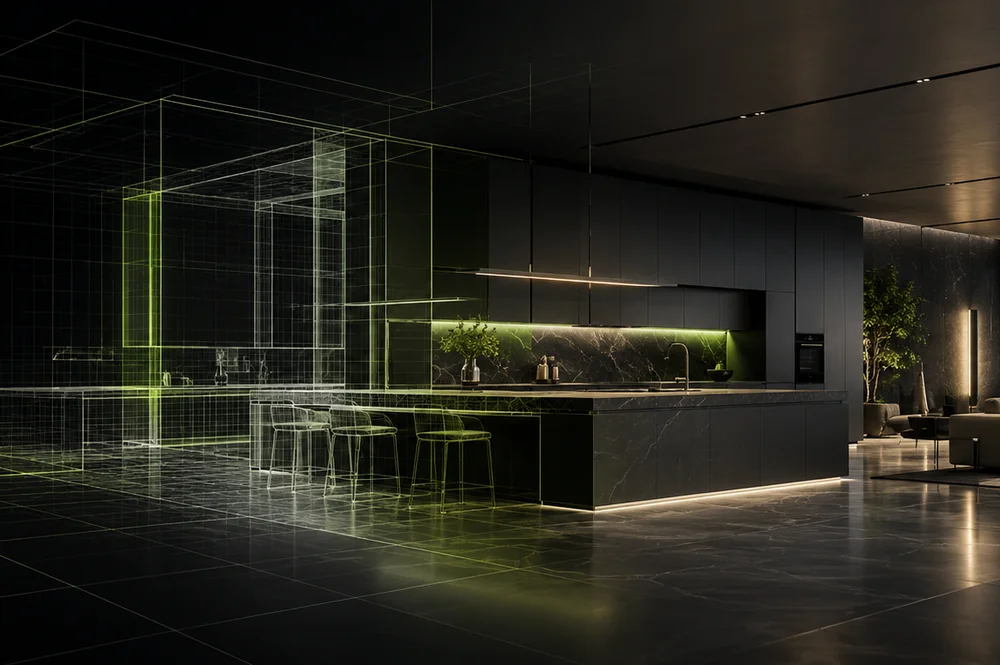
Visualize
Renders, finishes and visual alternatives
05
Sell
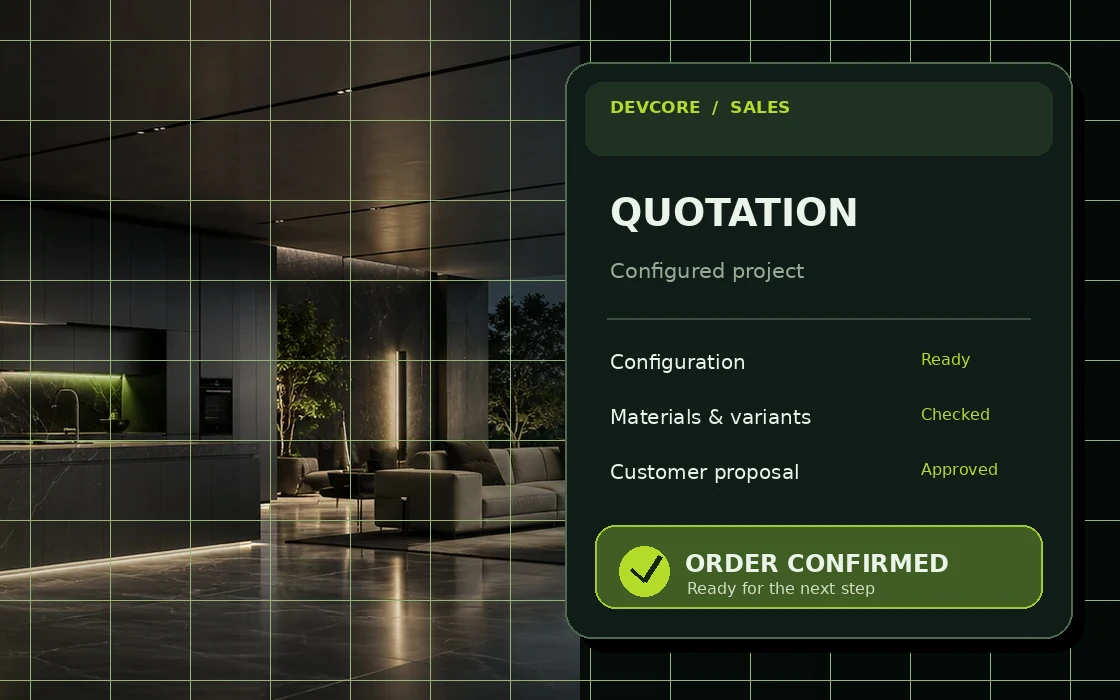
Prepare pricing, quotation and order
SHOW-ROOM.AI EXAMPLE CONVERSATION
CUSTOMER
“I’m furnishing a compact living room. I want something soft, but easy to maintain.”
SHOW-ROOM.AI
“Let’s start with the available products. What dimensions are we working with? I can compare suitable materials.”
CUSTOMER
“What does the manufacturer recommend for daily use?”
SHOW-ROOM.AI · PRODUCT KNOWLEDGE
“I can check the published product information, explain the differences and continue with your chosen option.”
READY TO CONTINUE
3D configuration • Material alternatives • Render • Quotation
Illustrative dialogue: this section demonstrates the intended sales experience; it is not a connected live chat.
02 / ONE DIALOGUE, REAL COMMERCIAL ACTIONS
From a question
to a real proposal.
The customer does not switch between a chatbot, a 3D configurator and a quotation tool. Show-room.AI keeps the conversation moving while the integrated capabilities do the work behind it.
ASK. UNDERSTAND. EXPLAIN. MAKE. SELL.
01
Converse
Needs, style and dimensions
✓Understand the request
✓Identify style and preferences
✓Work with real dimensions
02
Explain
Product answers in context
✓Answer product questions
✓Use Pricelist AI knowledge
✓Suggest suitable options
03
Configure
Real articles and rules
✓Create a real, configurable project
✓Use catalogues and industrial rules
✓Propose compatible alternatives
04
Visualize
Render, replace and compare
✓Generate realistic renders
✓Try finishes with Vision Replacer
✓Compare visual alternatives
05
SELL
Quotation and order
✓Create a detailed quotation
✓Share the proposal
✓Move toward order and next steps
03 / PRODUCT KNOWLEDGE, INSIDE THE DIALOGUE
Ask anything.
Keep designing.
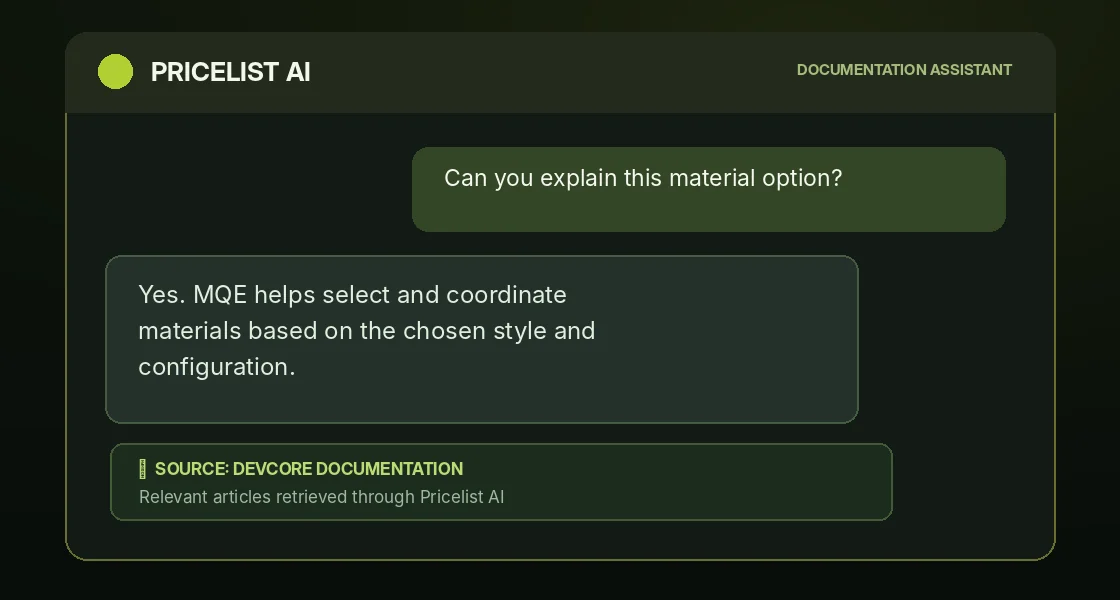
A customer can interrupt the design journey to ask about a product, material, option or specification. Show-room.AI uses the knowledge made available through Pricelist AI to answer — then picks up the same project where the conversation left off.
PRODUCT QUESTIONS
INDEXED DOCUMENTATION
SAME CONVERSATION
Pricelist AI brings relevant answers from published product documentation into the same conversation — without sending the customer elsewhere.
SHOWROOM.AI PRODUCT KNOWLEDGE IN CONTEXT
CUSTOMER
“Is this finish suitable for a humid environment? What alternatives do I have?”
PRICELIST AI / DOCUMENTATION
Relevant product information and technical options retrieved from the manufacturer’s published knowledge.
SHOW-ROOM.AI
“Here’s what the product information says. We can compare the suitable finishes and continue with your choice.”
✓
DESIGN CONVERSATION CONTINUES
04 / VISUALS YOU CAN ASK FOR
See another look.
Just ask for it.
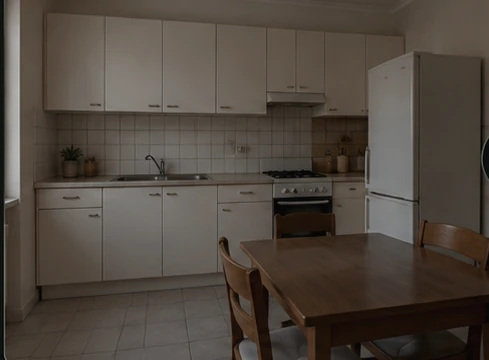
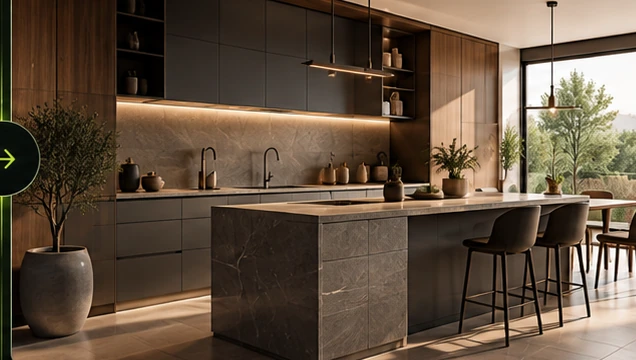
“Show me a warmer finish.” “Try a different material.” “Can we see another mood?” The same dialogue can lead to new renders and visual alternatives, without losing the project direction.
Illustrative before/after example: images are not a live Vision Replacer session.
05 / TALK THROUGH EVERY CHANNEL
One conversation engine.
Four ways to reach people.
Customers can speak from different touchpoints. It is not four unrelated bots: every sales experience is connected to the same product logic and DeepSpace configuration engine.
01
◈
DeepSpace Assistant
Inside DeepSpace
A copiloting assistant for salespeople and designers working on the real configuration.
02
✧
Manufacturer Assistant
Manufacturer website
A conversation on the brand website becomes a proposal aligned with its product catalog.
03
↗
Retailer Assistant
Retailer website
Inherits the manufacturer’s flow and uses the same DeepSpace product engine.
04
↗
WhatsApp Assistant
Direct conversation
Brings the same guided commercial experience into a direct, persistent conversation.
THE SAME INTELLIGENCE
DEEPSPACE
One parametric product engine · Catalog · Rules · Configurations
Your manufacturer flow.
Your manufacturer flow.
Across the sales network.
The manufacturer defines the official sales conversation and real catalog. Retailers can inherit that flow; a multi-brand retailer can keep multiple manufacturers’ flows active at the same time.
01 / OWNER
MANUFACTURER
Brand website
Official flow
Product catalog
→
02 / PRODUCT ENGINE
DEEPSPACE
Same catalog
Same rules
Same configuration
MASTER CONFIGURATION
→
RETAILER A
Inherited assistant + brand flow
RETAILER B
Inherited assistant + brand flow
RETAILER C
Inherited assistant + brand flow
ALSO AVAILABLE AS A CHANNEL
WhatsApp
Manufacturer and retailer conversations connect to the same commercial system.
THE OTHER DIRECTION / MULTI-BRAND RETAIL
One retailer.
Multiple manufacturer flows.
A retailer can have flows from several manufacturers active at the same time. Each one retains the catalog, rules and DeepSpace engine of its own brand.
MANUFACTURER FLOWS
01 / MANUFACTURER A
Brand A
Flow A · Catalog A · DeepSpace A
02 / MANUFACTURER B
Brand B
Flow B · Catalog B · DeepSpace B
03 / MANUFACTURER C
Brand C
Flow C · Catalog C · DeepSpace C
→
THREE ACTIVE
FLOWS
RETAILER WEBSITE / ASSISTANT
ONE RETAILER.
Multiple official manufacturer flows, active together in the retailer’s sales experience.
Manufacturer A flow
ACTIVE
DeepSpace A · Catalog A · Rules A
Manufacturer B flow
ACTIVE
DeepSpace B · Catalog B · Rules B
Manufacturer C flow
ACTIVE
DeepSpace C · Catalog C · Rules C
WHAT MAKES IT DIFFERENT
The reseller does not rebuild or merge manufacturers’ catalogs. Each active flow stays connected to its original product engine.
07 / THE VALUE OF EVERY CONVERSATION
What conversation
makes possible.
Six benefits of connecting customer dialogue to real product configuration, consistent visual proposals and the final commercial result: SELL.
01
Design confidence
Proposals grounded in real configurations.
02
Material consistency
A coherent visual language for the brand.
03
Parametric precision
Industrial rules make the project configurable.
04
Connected workflows
From conversation to commercial outputs.
05
Engaging customer experiences
A visual experience that keeps the customer engaged.
06
SELL
From an idea to a quotation and an order.
ONE CONVERSATION · SIX CAPABILITIES · A REAL COMMERCIAL OUTCOME
08 / ONE EXPERIENCE, CONNECTED INTELLIGENCE
One conversation.
Intelligence everywhere.
DeepSpace, Material Quantum Engine, Vision and Pricelist AI are not separate destinations for the customer. Their capabilities are brought together by Show-room.AI in the same guided sales conversation.
01 / PRODUCT TRUTH
DeepSpace
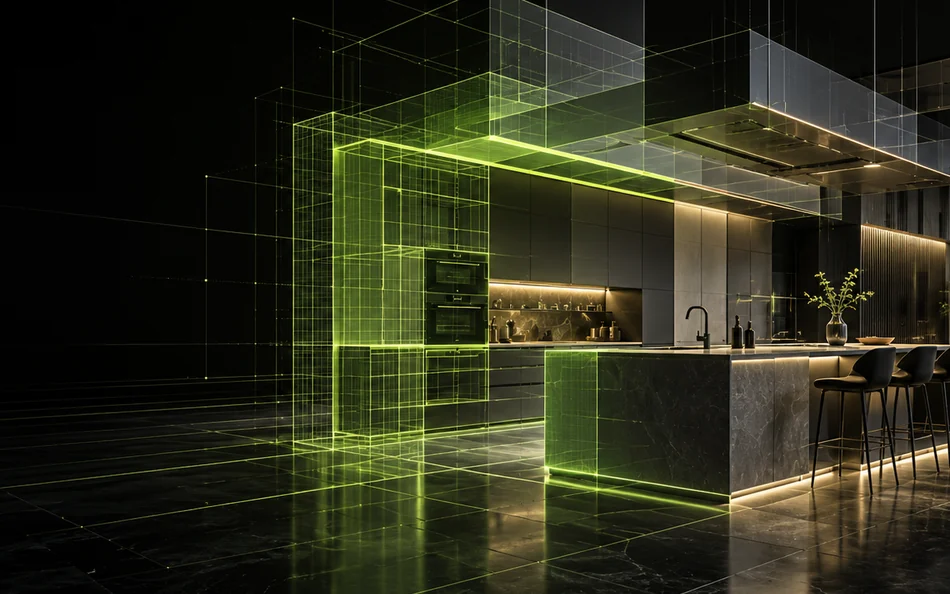
When the conversation calls for a solution, DeepSpace turns it into real 3D configurations grounded in the manufacturer’s catalogue and rules.
02 / BRAND AESTHETICS
Material Quantum Engine
When the customer talks about taste and mood, MQE connects colours, textures and materials according to the manufacturer’s aesthetic language.
03 / VISUAL EXPERIENCE
Vision AI
When the customer asks to see it, Vision creates a visual proposal; Vision Replacer explores a new aesthetic direction for that proposal.
04 / PRODUCT KNOWLEDGE
Pricelist AI
When questions arise, Pricelist AI supplies answers retrieved from indexed product documentation — inside the same conversation.
The project stays in context even when the customer switches from design questions to product documentation or visual alternatives.
09 / INTERIOR & EXTERIOR DESIGN
Different spaces.
The same conversation.
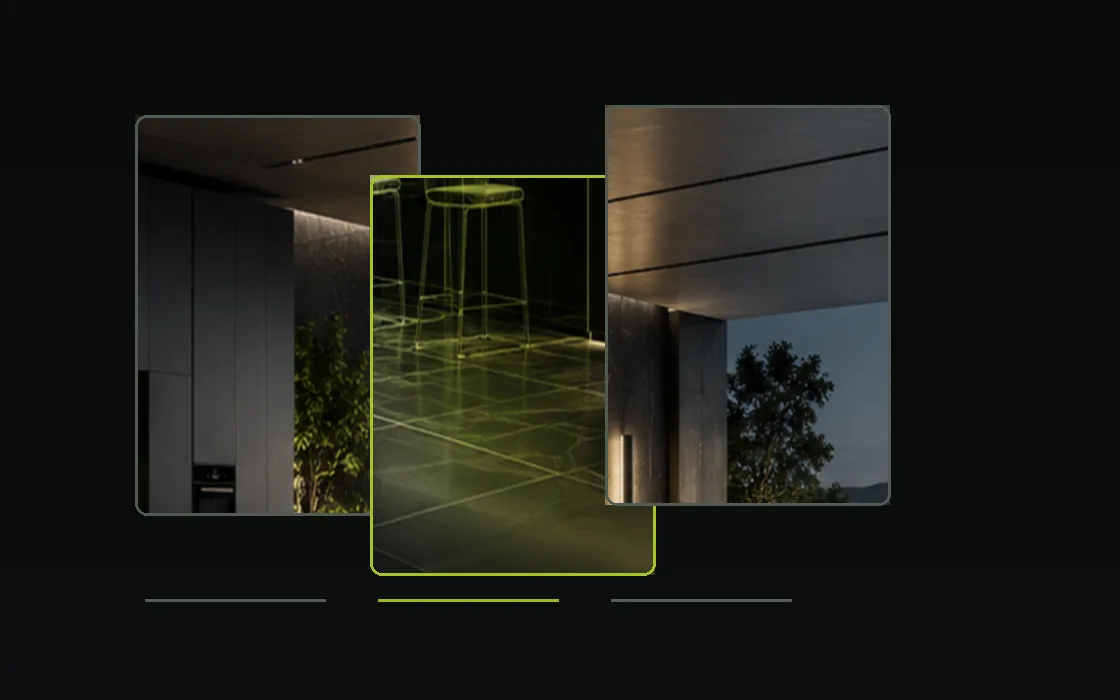
From kitchens and bathrooms to living spaces, surfaces and outdoor environments: the conversational experience can be tailored to each manufacturer’s catalog and rules.
01
Kitchens
02
Bathrooms
03
Tiles & surfaces
04
Living & sofas
05
Outdoor & pools
THE NEXT SALES EXPERIENCE
Start with a conversation.
Go all the way to SELL.
A customer asks. Show-room.AI understands, explains, configures, renders, changes the look and prepares the next commercial step — using the capabilities connected behind the dialogue.